Case Study
BA
UX
Implementing an Off-the-Shelf LMS
Implementing Open edX as a new LMS
— from stakeholder elicitation to capability transfer
Brand
Non-Profit Org (USA)
Product
Open edX (LMS)
My Role
Business Analyst / UX Designer
Time
2026
At a Glance
01
Reframed before a line was built
Platform gaps caught at analysis stage.
02
Four stakeholder groups aligned
Board, Instructional Design (ISD), Product, and Tech — coordinated across competing needs.
03
Four gap categories classified
Dev configuration, expectation mismatch, UI/accessibility, and user capability — each with a clear resolution path.
04
Dev team delivered with clarity
FRDs with user flows meant configuration decisions were made against unambiguous specifications
05
ISD team made self-sufficient
Built guides so instructional designers could author courses independently — extending beyond the original project scope.
The Snapshot
Business Context
The organisation needed to replace a broken LMS — with no institutional knowledge remaining on how to operate it.
The goal was to adopt Open edX and expand learning access from internal staff to the wider community.
I was brought in to bridge the gap between what stakeholders needed and what the platform could actually deliver.

The challenge
Build the desired features with unknown constraints
The organisation assumed Open edX was functionally equivalent to their requirements. My primary challenge was to investigate before costly technical configuration began.

The Approach
Bridging the requirements and reality
I ran interviews and analysed existing documentation to understand what a standard course looks like, then uploaded a trial course to test platform behaviour — including edge cases like the discussion feature, which behaved differently from the previous LMS.
This process revealed four distinct types of gaps. Some required dev configuration, some needed
trade-off, and some needed UI fixes.
With a general idea of what Open edX can and cannot do to support business needs. Then, I ran alignment sessions to find the trade-off.
During the alignment sessions, I also identified a capability gap — instructional designers needed support to operate the new LMS independently.
Gap Analysis
The gaps

Type 1
Dev Configuration
Features the platform could deliver, but required custom set up. For example, the access, quiz attempt time, and learning path.
Type 2
Expectation Mismatch
Features the platform could deliver, but differently from what stakeholders expected. For example, rather than forcing a custom fix, we held a trade-off discussion and redesigned the lesson-end activity prompt instead.
Type 3
UI / Accessibility
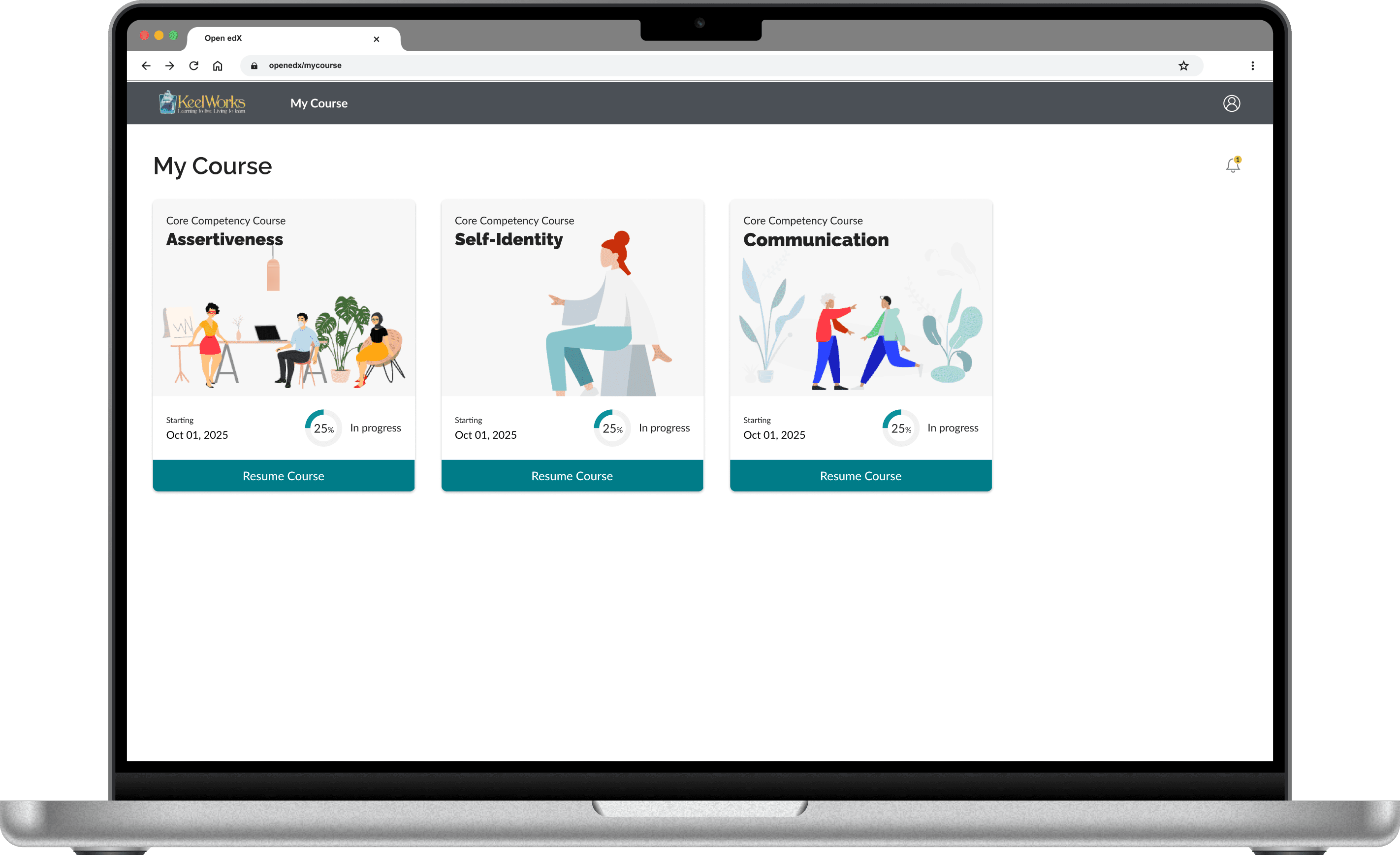
Out-of-the-box UI and accessibility issues that needed to be addressed. For example, the course content font appeared to be too small.
Type 4
User Capability
The instructional designers lacked the skills to operate the new LMS. I built step-by-step guides to close that gap — they could now author and manage courses independently.
Artefacts
What I delivered

01
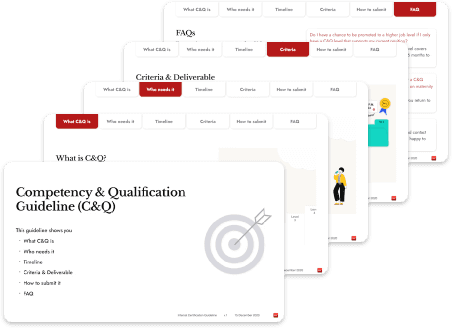
Feature Clarification Documents (FRDs)
Enable dev team to work without ambiguity.
02
Open edX 'as-is' Native Platform Flow
Visualised flows enabled proactive identification of functional limitations.
03
Step-by-step User Instructions for ISD
Tailored instructions effectively onboard ISDs to operate and manage courses on the new LMS.
04
Stakeholder Interview Notes
Ensure requirements traceability and documentation.
05
UI Customisations
Ensure consistent organisational branding across the platforms.
06
Project Onboarding Document
Support new peers with project context and centralised resources.
Outcomes & Impact
What changed because of this work
The organisation has a working LMS
Open edX is now configured and live — built against verified requirements, not assumed ones.
The ISD team can operate it independently
Step-by-step instructions cover both platform setup and the specific features the organisation needs. The knowledge lives in documentation, not in people.
The platform launched for the wider community
The original goal was to expand learning access beyond internal staff. That goal was met — the LMS is now open to external partners.
The platform has visual alignment with the organisation's brand
Front-end customisation applied the organisational design system — ensuring the LMS feels consistent with the other organisational platforms.